
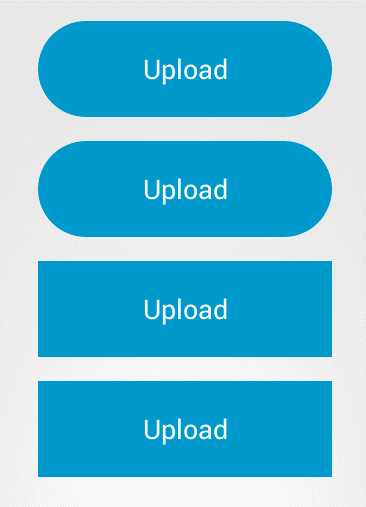

public class CircleButton extends Button implements View.OnClickListener {private StateListDrawable mIdleStateDrawable;private StrokeGradientDrawable background;public CircleButton(Context context, AttributeSet attrs) {super(context, attrs);background = new StrokeGradientDrawable();// init();// setBackground(mIdleStateDrawable);setBackground(background.getGradientDrawable());setOnClickListener(this);}//.......}
public class StrokeGradientDrawable {private int mStrokeColor; //描边颜色private int mStrokeWidth; //描边宽度public int getStrokeColor() {return mStrokeColor;}public void setStrokeColor(int strokeColor) {mStrokeColor = strokeColor;mGradientDrawable.setStroke(getStrokeWidth(), strokeColor);}public int getStrokeWidth() {return mStrokeWidth;}public void setStrokeWidth(int strokeWidth) {mStrokeWidth = strokeWidth;mGradientDrawable.setStroke(strokeWidth, getStrokeColor());}public StrokeGradientDrawable() {mGradientDrawable = new GradientDrawable();mGradientDrawable.setColor(0xff99cc00);mStrokeWidth = 5;}public GradientDrawable getGradientDrawable() {return mGradientDrawable;}public void setmGradientDrawable(GradientDrawable mGradientDrawable) {this.mGradientDrawable = mGradientDrawable;}private GradientDrawable mGradientDrawable;}
@Overridepublic void onClick(View v) {final GradientDrawable gradientDrawable = background.getGradientDrawable();final int mFromWidth = getWidth();final int mToWidth = getHeight();//宽度动画ValueAnimator widthAnimation = ValueAnimator.ofInt(mFromWidth, mToWidth);widthAnimation.addUpdateListener(new ValueAnimator.AnimatorUpdateListener() {@Overridepublic void onAnimationUpdate(ValueAnimator animation) {Integer value = (Integer) animation.getAnimatedValue();int leftOffset;int rightOffset;int padding;if (mFromWidth > mToWidth) {leftOffset = (mFromWidth - value) / 2;rightOffset = mFromWidth - leftOffset;} else {leftOffset = (mToWidth - value) / 2;rightOffset = mToWidth - leftOffset;}gradientDrawable.setBounds(leftOffset, 0, rightOffset, getHeight());}});//填充颜色ObjectAnimator bgColorAnimation = ObjectAnimator.ofInt(gradientDrawable, "color", 0xff99cc00, Color.WHITE);bgColorAnimation.setEvaluator(new ArgbEvaluator());//描边ObjectAnimator strokeColorAnimation =ObjectAnimator.ofInt(background, "strokeColor", 0xff99cc00, Color.GRAY);strokeColorAnimation.setEvaluator(new ArgbEvaluator());//圆角ObjectAnimator cornerAnimation =ObjectAnimator.ofFloat(gradientDrawable, "cornerRadius", 0, 30);AnimatorSet animatorSet = new AnimatorSet();animatorSet.setDuration(2000);animatorSet.playTogether(bgColorAnimation, cornerAnimation, widthAnimation,strokeColorAnimation);animatorSet.start();}
 , IDLE,
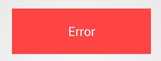 ,]
,]
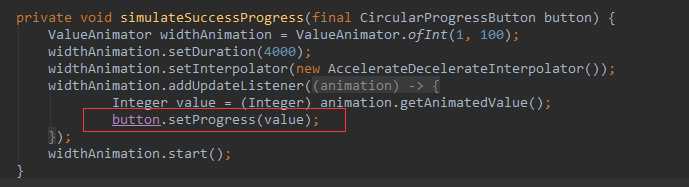
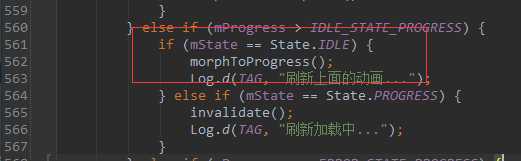
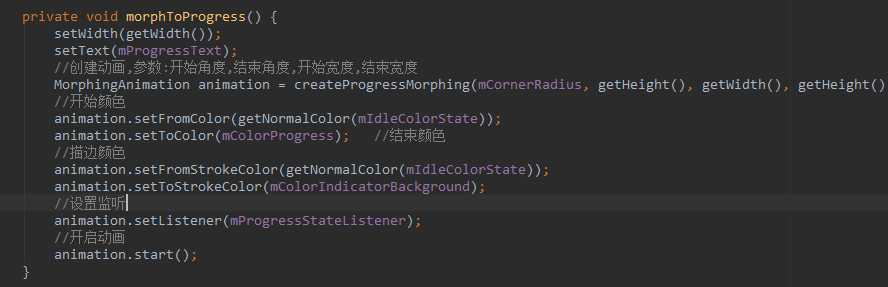
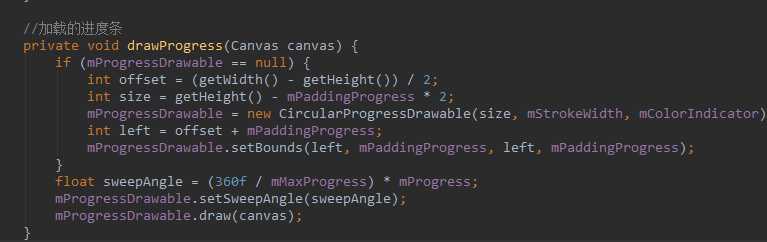
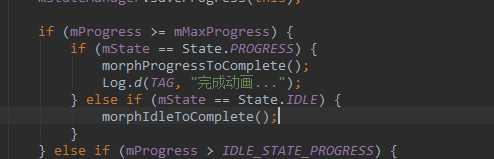
开源项目: circular-progress-button
原文:http://www.cnblogs.com/lv-2012/p/4212762.html