
本次我们学习Android传感器的开发,前面已经介绍过了,tween的使用,所以,我们可以结合传感器与tween动画,开发简易的指南针。
首先先介绍一下传感器的相关知识,
在Android应用程序中使用传感器要依赖于android.hardware.SensorEventListener接口。通过该接口可以监听传感器的各种事件。SensorEventListener接口的代码如下:
package android.hardware;

public interface SensorEventListener
{
     public void onSensorChanged(SensorEvent event);
     public void onAccuracyChanged(Sensor sensor, int accuracy);

}
 <ImageView
        android:id="@+id/iv"
        android:layout_width="wrap_content"
        android:layout_height="wrap_content"
        android:src="@drawable/point" />

    <TextView
        android:layout_width="fill_parent"
        android:layout_height="wrap_content"
        android:textSize="50dp" />

    <TextView
        android:id="@+id/tv"
        android:layout_width="fill_parent"
        android:layout_height="wrap_content"
        android:textSize="20dp" />
其中的图片是在百度中随便找的一个方位的图片,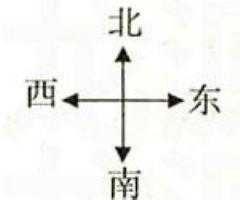
 @Override
    protected void onCreate(Bundle savedInstanceState) {
        super.onCreate(savedInstanceState);
        setContentView(R.layout.activity_main);
        iv = (ImageView) findViewById(R.id.iv);
        tv = (TextView) findViewById(R.id.tv);

        sensorManager = (SensorManager) getSystemService(SENSOR_SERVICE);
        //得到方向传感器  光传感器Sensor.TYPE_LIGHT value[0],代表光线强弱
        Sensor sensor = sensorManager.getDefaultSensor(Sensor.TYPE_ORIENTATION);

        listener = new MyListener();
        sensorManager.registerListener(listener, sensor, SensorManager.SENSOR_DELAY_GAME);
    }

    private class MyListener implements SensorEventListener{
    	float startangle = 0;

    	//传感器数据变化时,
		@Override
		public void onSensorChanged(SensorEvent event) {
			// TODO Auto-generated method stub
			float[] values = event.values;
			float angle = values[0];
			System.out.println("与正北的角度:"+angle);
			RotateAnimation ra = new RotateAnimation(startangle, angle,Animation.RELATIVE_TO_SELF,0.5f,Animation.RELATIVE_TO_SELF,0.5f);
			ra.setDuration(100);
			iv.startAnimation(ra);
			tv.setText("与正北方向的角度是:"+angle);
			tv.setTextColor(Color.BLACK);
			startangle = -angle;
		}
		//传感器精确度变化的时候
		@Override
		public void onAccuracyChanged(Sensor sensor, int accuracy) {
			// TODO Auto-generated method stub

		}

    }
    @Override
    protected void onDestroy() {
    	// 防止程序在后台运行,消耗内存,在程序退出时,释放资源。
    	sensorManager.unregisterListener(listener);
    	sensorManager = null;
    	super.onDestroy();

    }
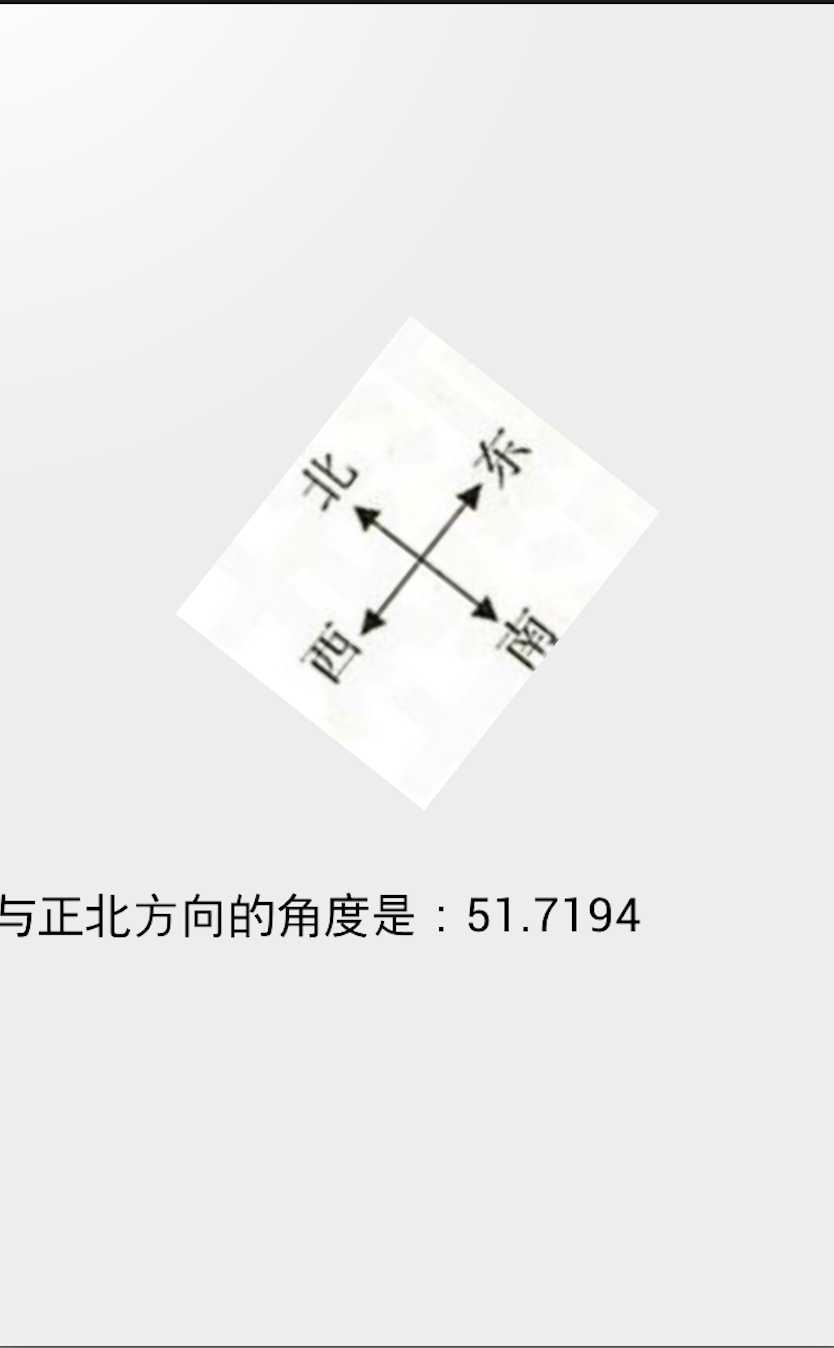
最后当我们手机的方向发生变化时,图片也在移动,同时下面的文本框,会显示相应的方位值。
Android学习笔记-传感器开发之利用传感器和Tween开发简易指南针
原文:http://www.cnblogs.com/fengtengfei/p/3958719.html