
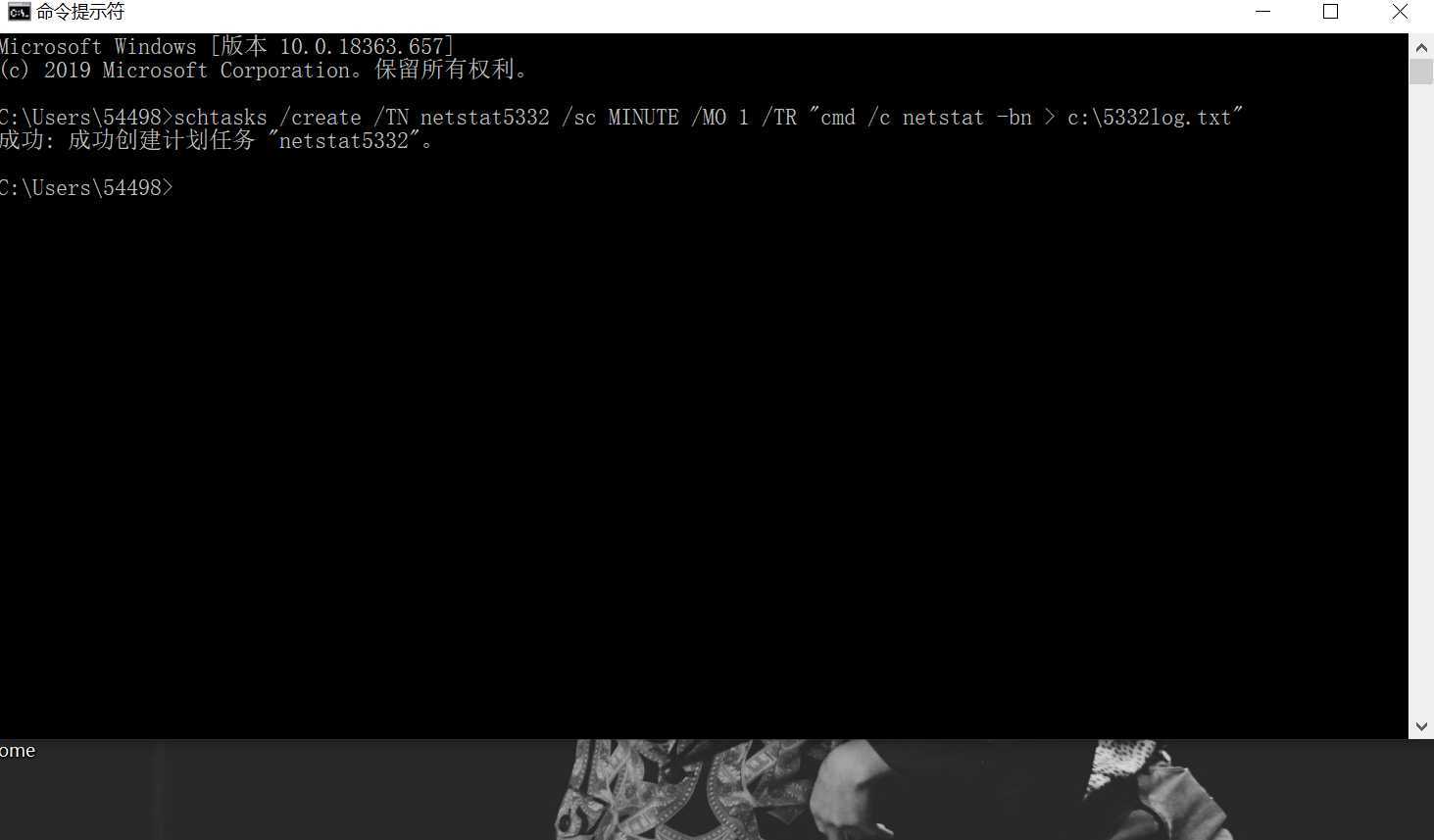
schtasks /create /TN netstat5332 /sc MINUTE /MO 1 /TR "cmd /c netstat -bn > c:\5332log.txt"TN是TaskName的缩写,我们创建的计划任务名是netstat5332;
sc表示计时方式,我们以分钟计时填MINUTE;
TR是Task Run,要运行的指令是netstat
bn,b表示显示可执行文件名,n表示以数字来显示IP和端口;
>表示输出重定向,将输出存放在c:\5332log.txt文件中
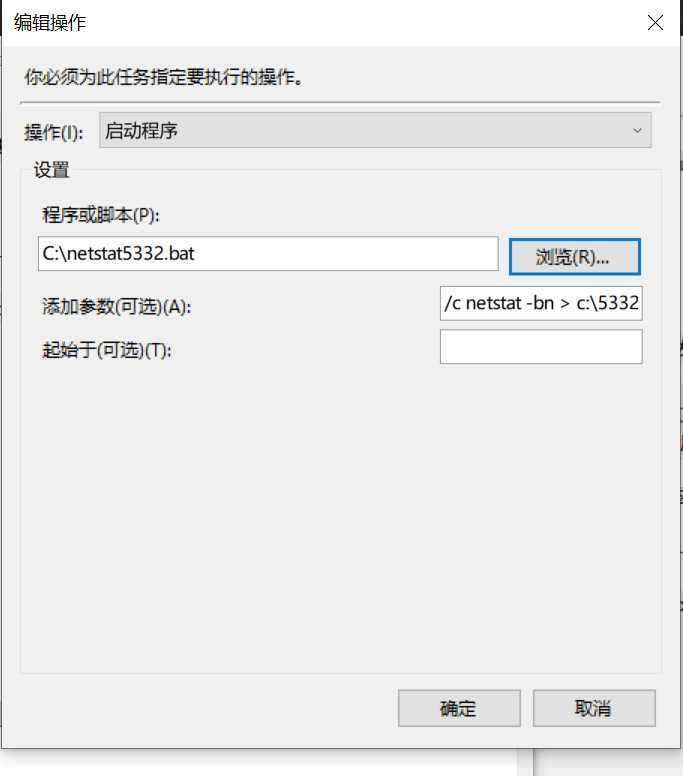
netstat5332.bat用于显示记录的日期时间,内容如下:date /t >> c:\netstatlog.txt
time /t >> c:\netstatlog.txt
netstat -bn >> c:\netstatlog.txt
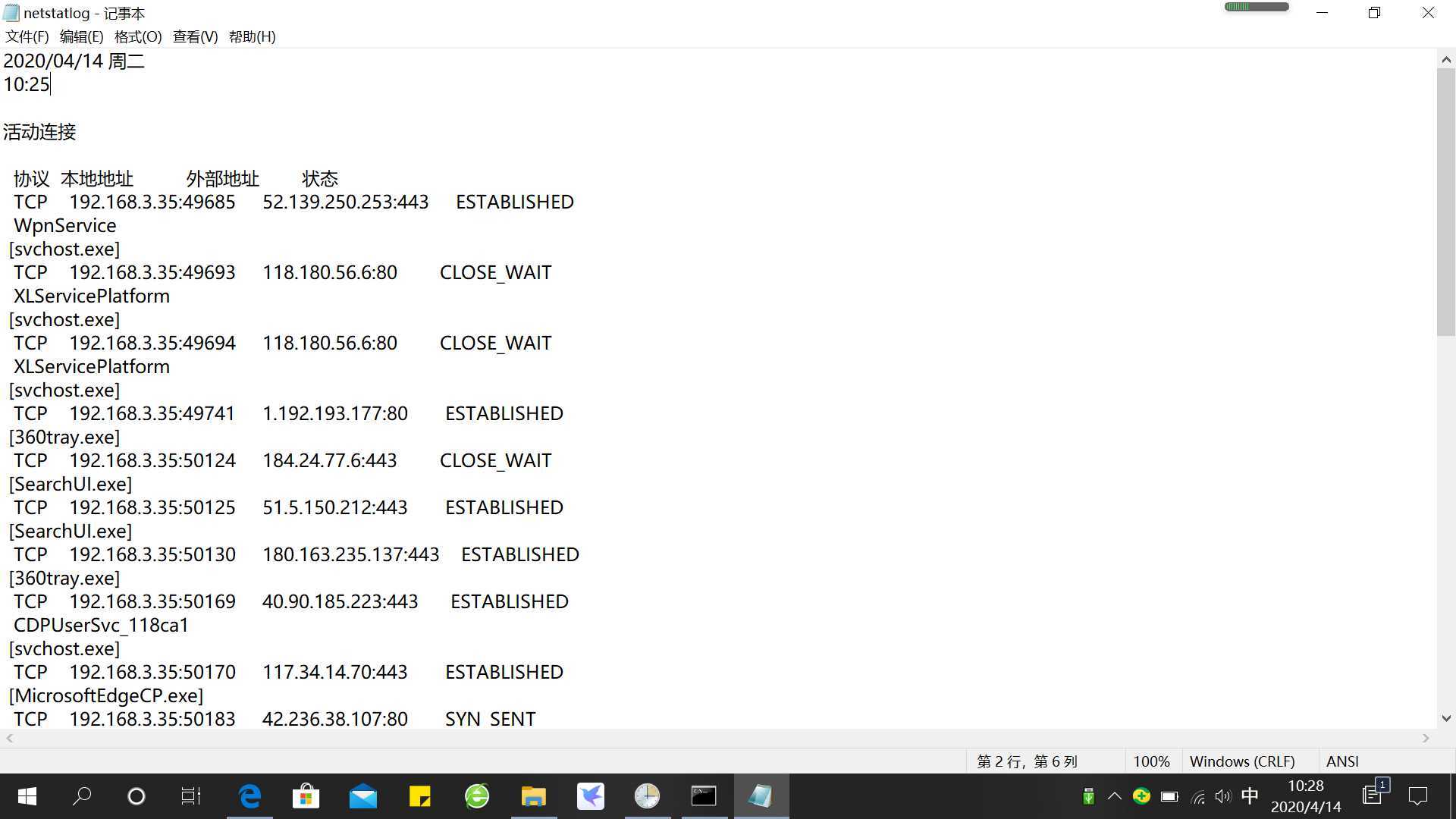
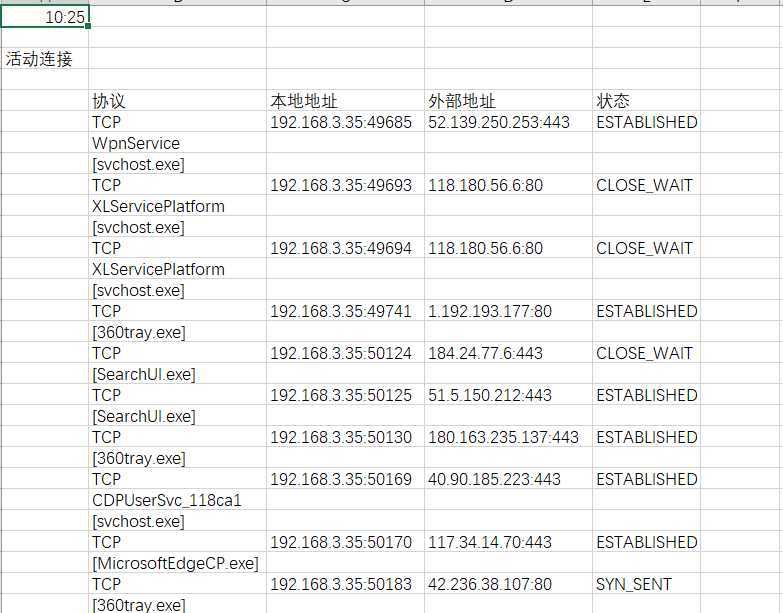
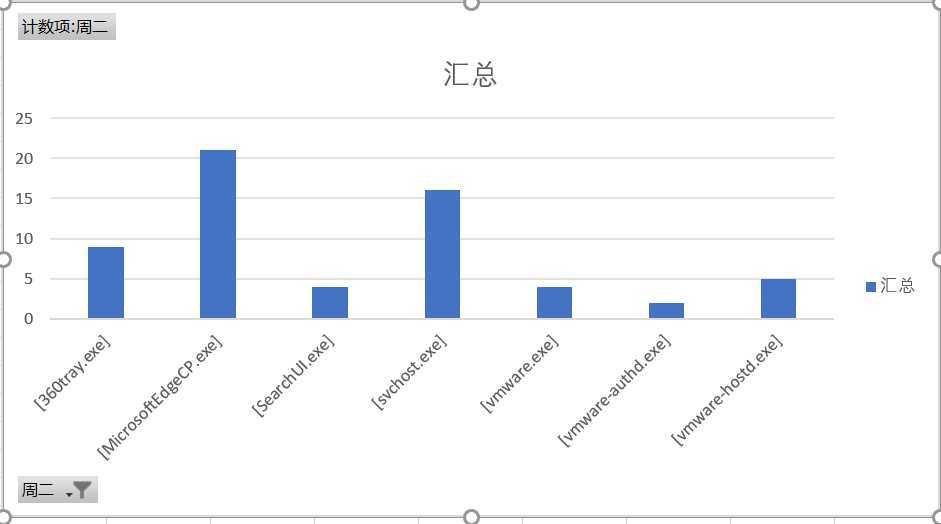
[svchost.exe]--------微软Windows操作系统中的系统文件
[360tray.exe]--------360安全卫士实时监控程序
[vmware-hostd.exe]-------虚拟机程序进程
[SearchUI.exe]-------Win10小娜搜索进程
[vmware.exe]-------虚拟机程序
[vmware-authd.exe]------虚拟机程序
安装软件
写配置文件,代码如下:
  <!-- Capture all hashes -->
  <HashAlgorithms>*</HashAlgorithms>
  <EventFiltering>
    <!-- Log all drivers except if the signature -->
    <!-- contains Microsoft or Windows -->
    <ProcessCreate onmatch="exclude">   //不记录
      <Image condition="end with">chrome.exe</Image>
    </ProcessCreate>  //进程创建

    <FileCreateTime onmatch="exclude" >  //不记录
      <Image condition="end with">chrome.exe</Image>
    </FileCreateTime>

    <NetworkConnect onmatch="exclude">   //不记录
      <Image condition="end with">chrome.exe</Image>
      <SourcePort condition="is">137</SourcePort>
      <SourceIp condition="is">127.0.0.1</SourceIp>
    </NetworkConnect>
    <NetworkConnect onmatch="include">     //记录
      <DestinationPort condition="is">80</DestinationPort>
      <DestinationPort condition="is">443</DestinationPort>
    </NetworkConnect> //网络连接

    <CreateRemoteThread onmatch="include">  //记录
      <TargetImage condition="end with">explorer.exe</TargetImage>
      <TargetImage condition="end with">svchost.exe</TargetImage>
      <TargetImage condition="end with">winlogon.exe</TargetImage>
      <SourceImage condition="end with">powershell.exe</SourceImage>
    </CreateRemoteThread>
  </EventFiltering>
  </Sysmon>
Sysmon64.exe -i 20175332.xml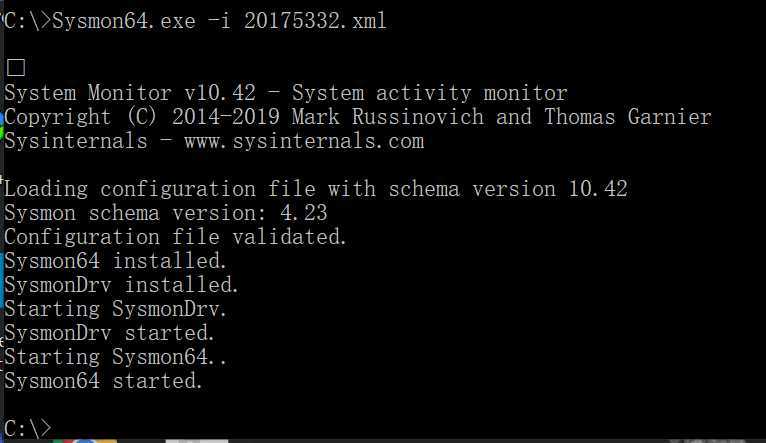
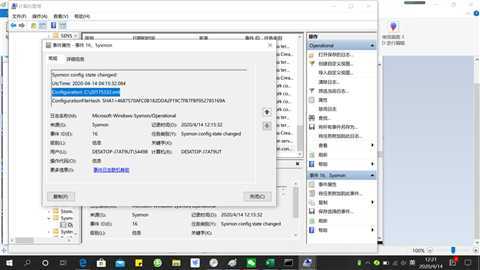
计算机管理----查看事件查看器---应用程序和服务日志/Microsoft/Windows/Sysmon/Operational中,可以看到按照配置文件的要求记录的新事件,以及事件ID、任务类别以及详细信息。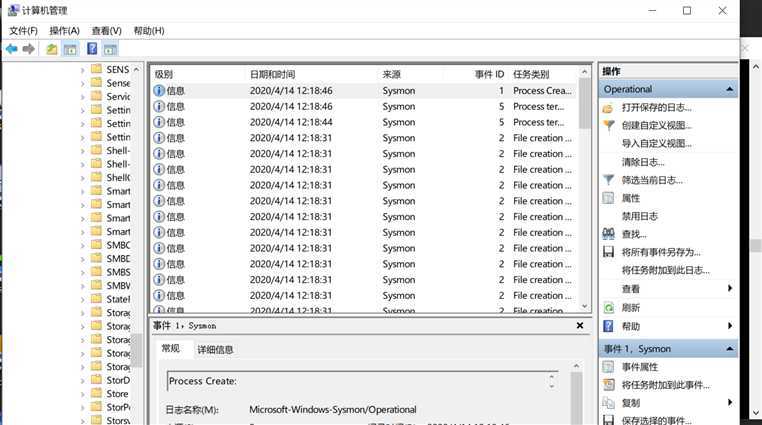
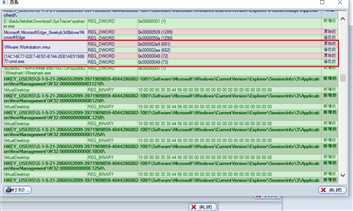
(3)读取、添加、删除了哪些注册表项
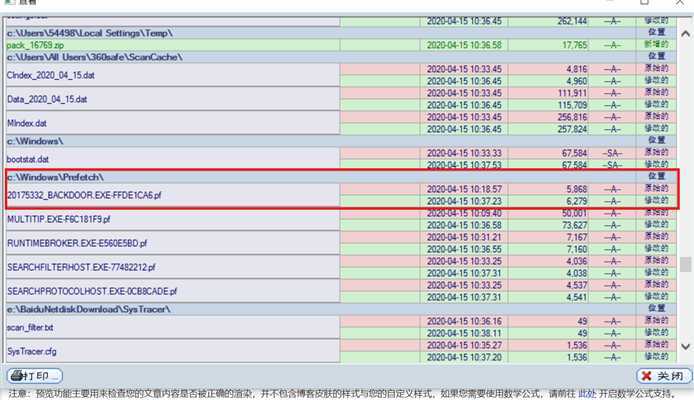
(4)读取、添加、删除了哪些文件
(5)连接了哪些外部IP,传输了什么数据(抓包分析)
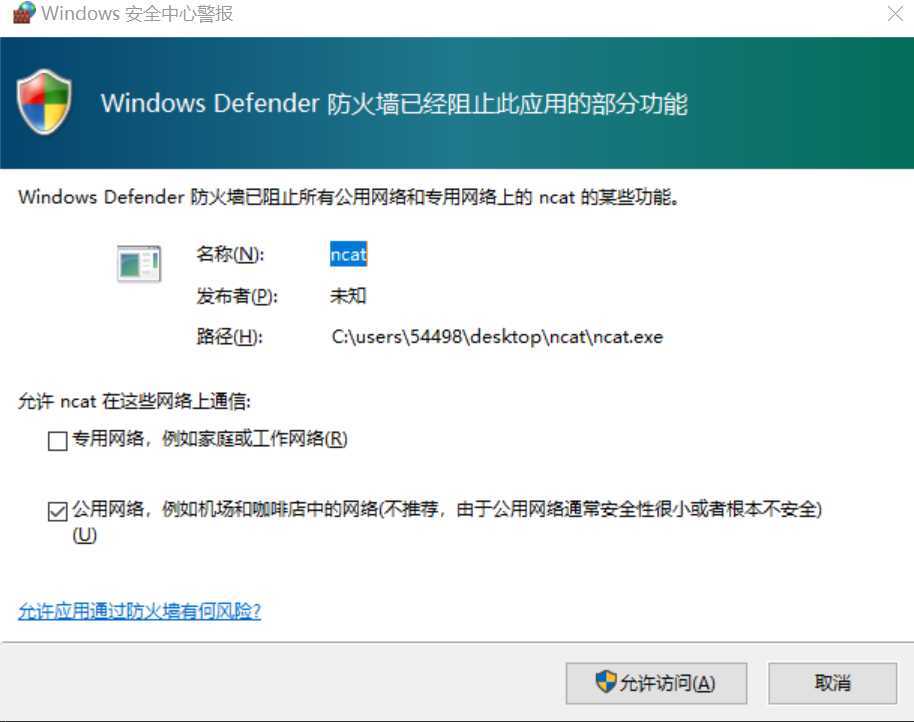
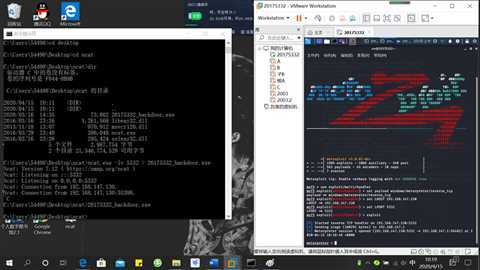
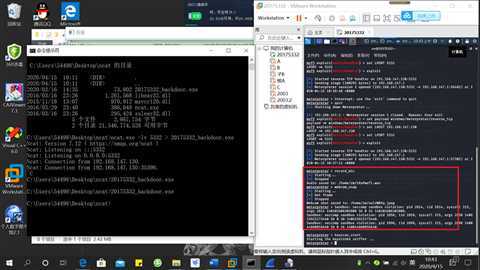
统计所有出现的端口和IP地址
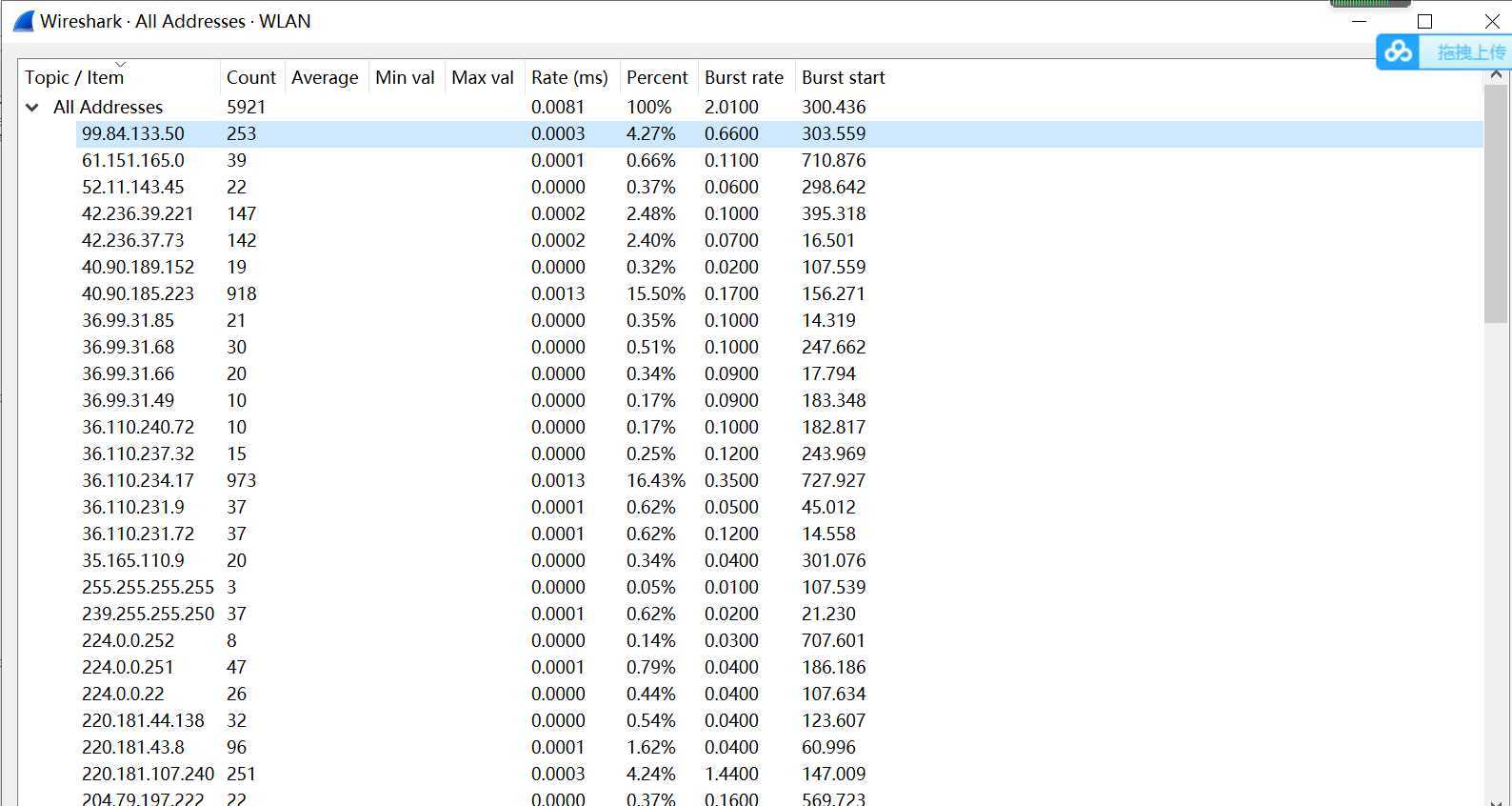
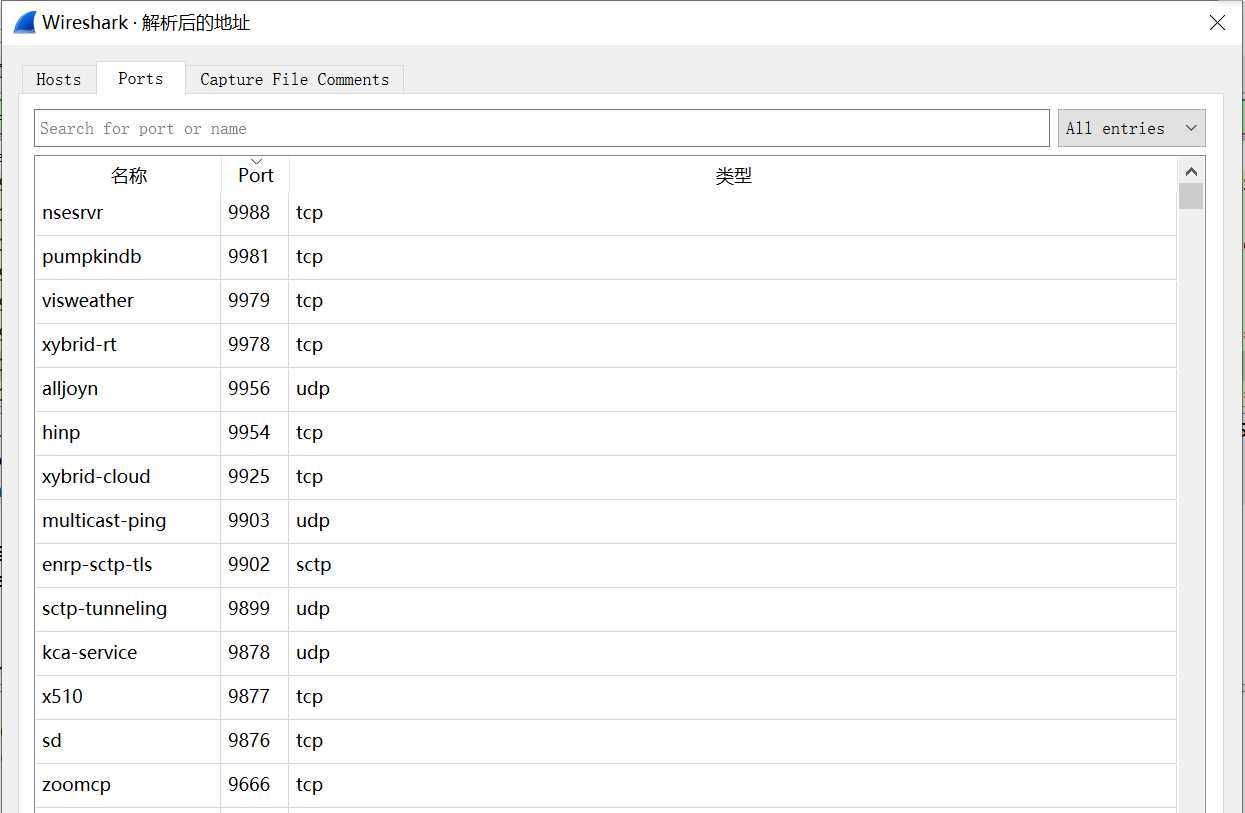
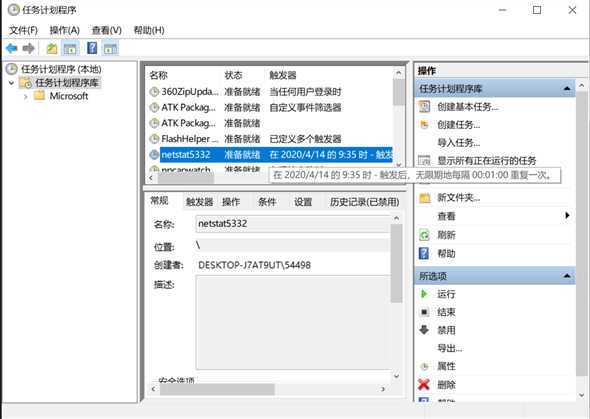
设置定时任务计划任务,统计具体数据
sysmon工具,设置合理的配置文件
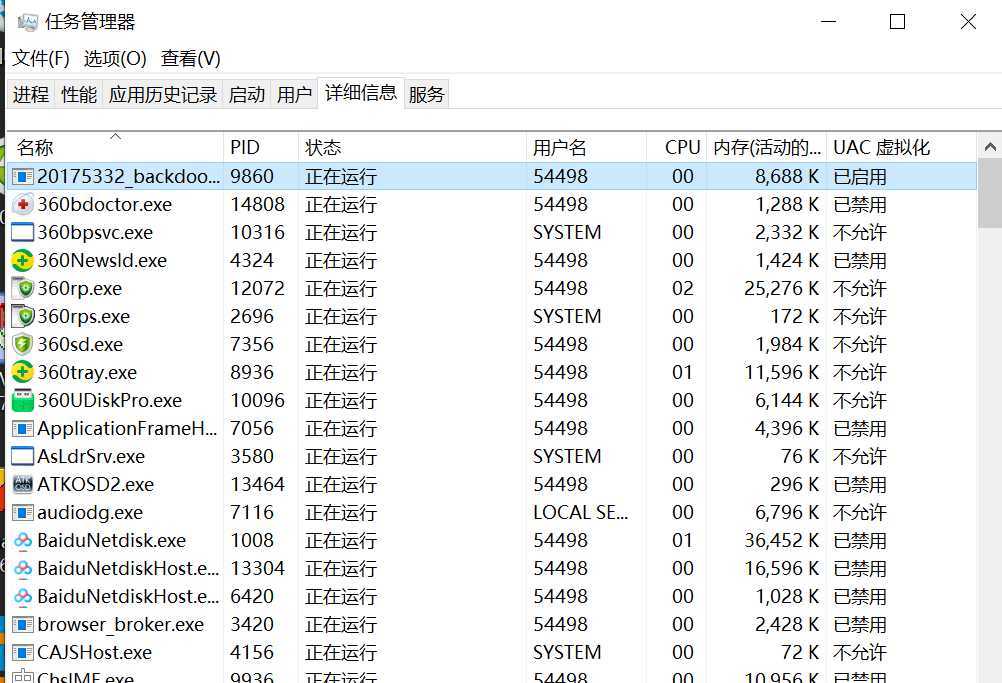
使用windows任务查看器,查看是否有可疑进程
wireshark抓包
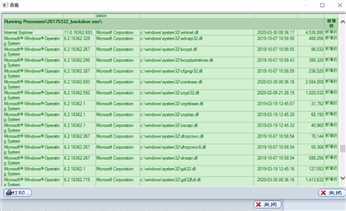
程序快照,将运行前后结果进行对比
在实验回连的过程中,虽然是自己生成的后门程序回连,但是在具体分析中还是很难找到响应的可疑行为,尤其在数据报的分析中,由此可见在平时使用时,对于未知的恶意代码我们更是难以发现。
2019-2020-2-20175332 张苗-《网络对抗技术》-exp4 恶意代码分析
原文:https://www.cnblogs.com/20175332zm/p/12696090.html