
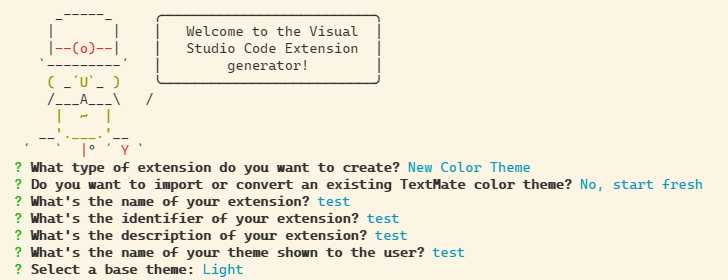
运行命令
npm install -g yo generator-code
yo code
vscode中按下F5可以帮你打开调试,预览创建好的默认颜色主题
themes文件夹下的.json文件你需要先创建一个publisher,步骤如下:
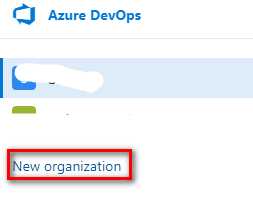
创建一个组织
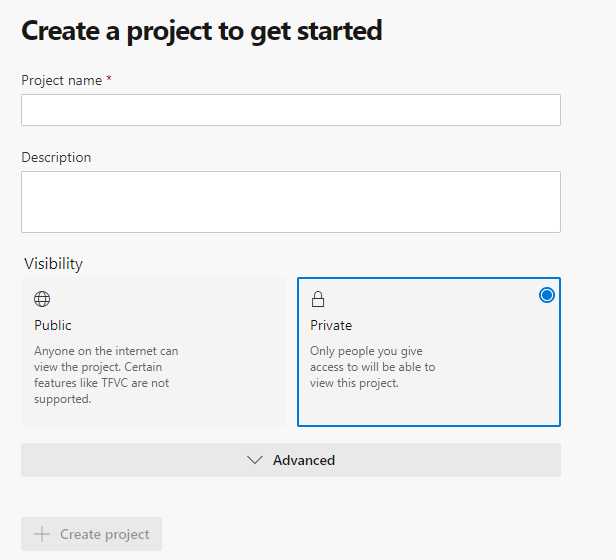
创建一个项目
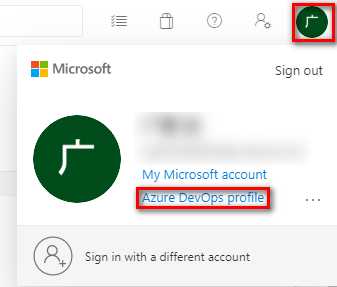
生成一个PAT
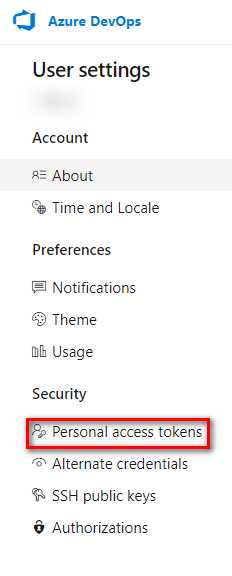

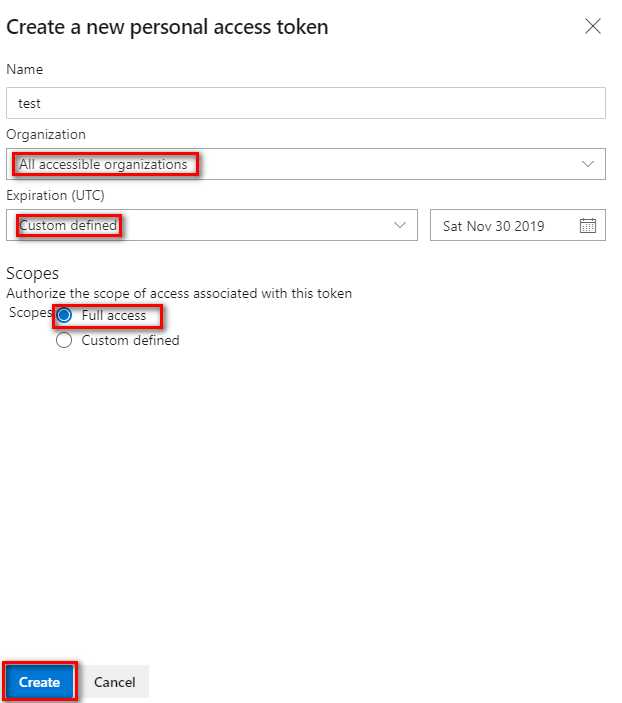
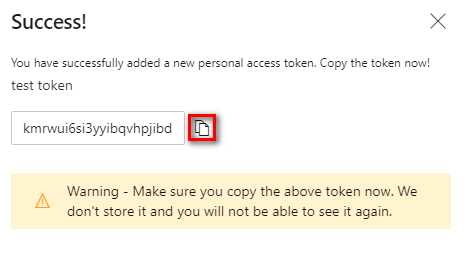
创建publisher,终端运行命令
vsce create-publisher (publisher name)
?? 这里的publisher name是你现在要自定义的 ,这里还需要你的Email、PAT
?? publisher创建完成后会自动登录
package.json,添加如下:"publisher": "your publisher name",repository:"repository": {
"type": "git",
"url": "https://github.com/xxx/xxx"
},vsce package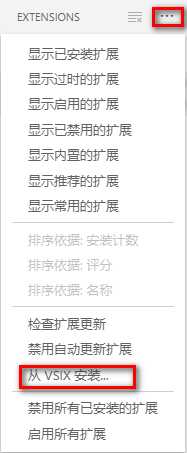
运行命令vsce publish
稍等几分钟别人就可以搜索到你的扩展了
你也可以打开Marketplace,通过网页上传已经本地打包的扩展
vsce publish 2.0.1
你可以在vscode中搜索gzColors使用我定义的主题扩展,他是基于light的。
谢谢你的阅读??
原文:https://www.cnblogs.com/guangzan/p/11770245.html