
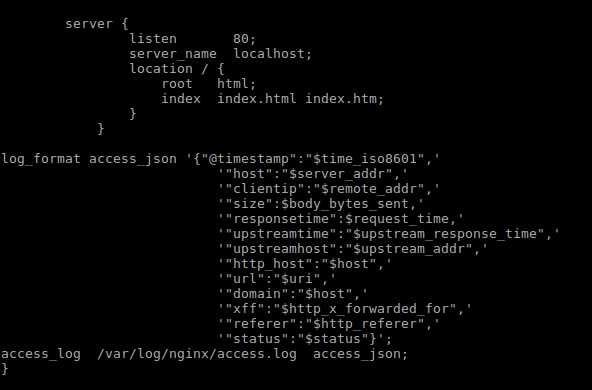
1.修改配置,在http{}中添加
log_format access_json ‘{"@timestamp":"$time_iso8601",‘
                           ‘"host":"$server_addr",‘
                           ‘"clientip":"$remote_addr",‘
                           ‘"size":$body_bytes_sent,‘
                           ‘"responsetime":$request_time,‘
                           ‘"upstreamtime":"$upstream_response_time",‘
                           ‘"upstreamhost":"$upstream_addr",‘
                           ‘"http_host":"$host",‘
                           ‘"url":"$uri",‘
                           ‘"domain":"$host",‘
                           ‘"xff":"$http_x_forwarded_for",‘
                           ‘"referer":"$http_referer",‘
                           ‘"status":"$status"}‘;
access_log  /var/log/nginx/access.log  access_json;
2.重启
systemctl restart nginx
或者
nginx -s reload
3.访问,输出日志
{"@timestamp":"2019-10-12T18:41:48+08:00","host":"127.0.0.1","clientip":"127.0.0.1","size":0,"responsetime":0.000,"upstreamtime":"-","upstreamhost":"-","http_host":"localhost","url":"/index.html","domain":"localhost","xff":"-","referer":"-","status":"304"}
原文:https://www.cnblogs.com/tonglin0325/p/11663364.html