
我也是在摸索中前进,参考了许多大神的安装攻略,安装过程还算顺利,大家请不用担心不用恐慌~
ps.我的帖子只是简要记录下我自己的安装过程,想要详细攻略的可以移步别的大神的帖子啦啦啦(比如我下面给出的几个链接
下面是一些我参考的安装教程的链接,供参考~
1.https://blog.csdn.net/Nicolelovesmath/article/details/82716412
2.https://www.cnblogs.com/taostaryu/p/9404615.html
1.https://mp.weixin.qq.com/s/VuViGzczY0EO2LXF4iuhag
1.https://blog.csdn.net/weixin_41995541/article/details/100065570
2.https://blog.csdn.net/zr_1877/article/details/78572377
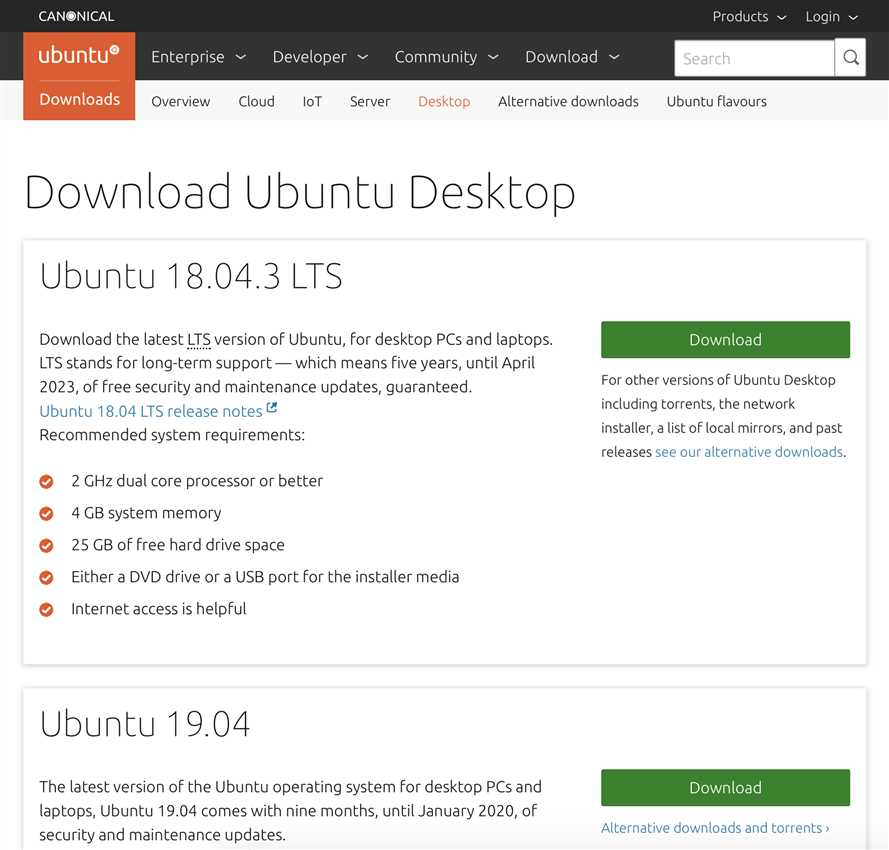
选择Ubuntu 16.04或Ubuntu 18.04版本(我选择了下载18.04的)
下载地址:https://www.ubuntu.com/download/desktop
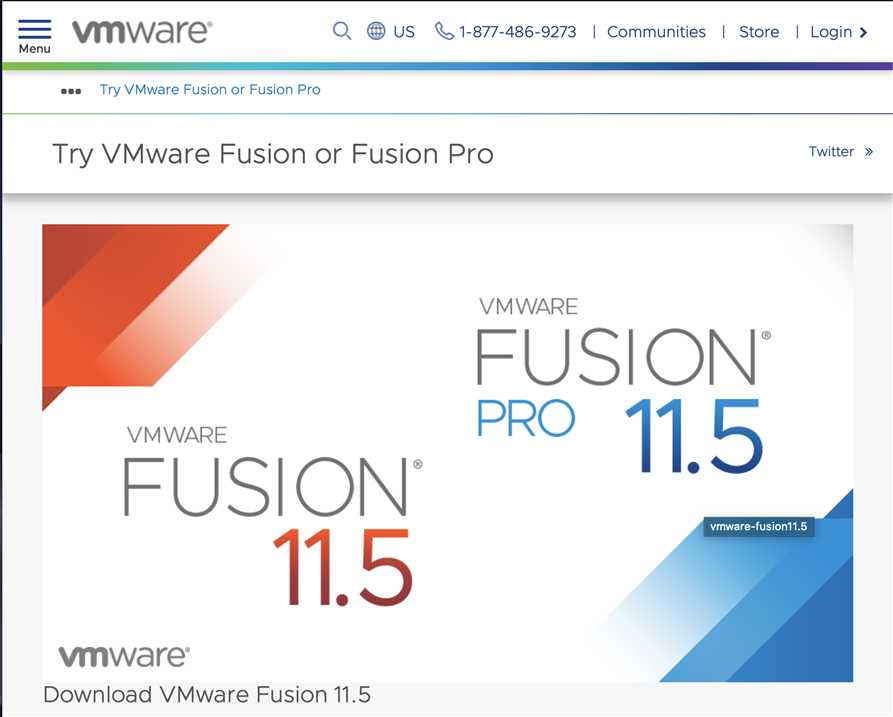
选择Fusion 11.5 Pro版本
下载地址:https://www.vmware.com/products/fusion/fusion-evaluation.html
step 1: 打开命令行工具(终端),在Ubuntu打开终端的快捷键为:ctrl + Alt + t
step 2:输入sudo apt install gcc,回车,安装C编译器
step 3:输入sudo apt install g++,回车,安装C++编译器
step 4:输入sudo apt-get install vim,回车,安装vim
step 1: 打开终端,输入vim hello.c并回车,进入vim界面(和终端挺像的);
step 2:键入i进入insert模式,输入程序:
1 #include <stdio.h>
2 int main(){
3         printf("Hello, world\n");
4         return 0;
5 }
step 3:先按Esc键,退出输入模式;然后,按Shift和:键,进入命令模式;输入wq,保存并退出vim界面,返回终端界面;
step 4:输入gcc hello.c进行编译
step 5:输入./a.out进行编译
终端上打出“Hello, world”就成功啦
原文:https://www.cnblogs.com/tanshiyin-20001111/p/11585510.html