
1.本地yum源安装
(1.)mkdir /opt /dvd (用mkdir在opt目录下建一个dvd的目录 注在:本来就创建好了 cd到opt下 用ls查看是否存在)
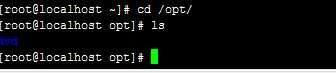
(2)mount /dev /sr0/opt/dev/ (用mount命令进行挂载)

2.写yum源配置文件
(1) cd /etc/yum.repo.d/ (cd 到/etc/yum.repo.d目录下)

(2)vi dvd.repo (编辑dvd.repo文件,并写入以下内容)
[dvd]
name=dvd
baseurl=file:///opt/dvd
gpgcheck=0
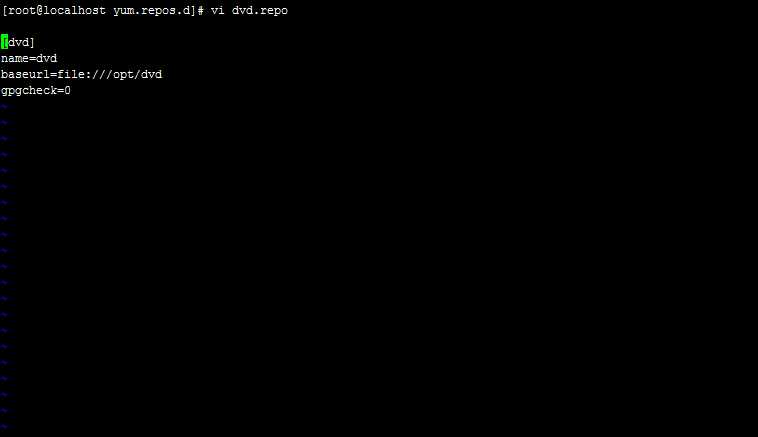
(shift+;wq保存退出)
3.yum clean all (使用此命令清一下缓存配置)

4.yum list
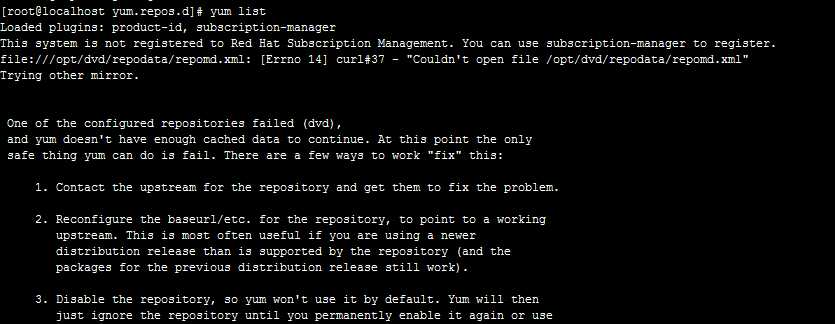 5.安装http服务
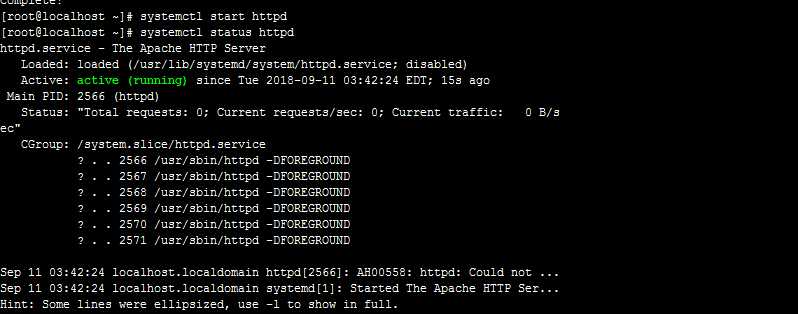
yum install httpd (安装httpd服务)
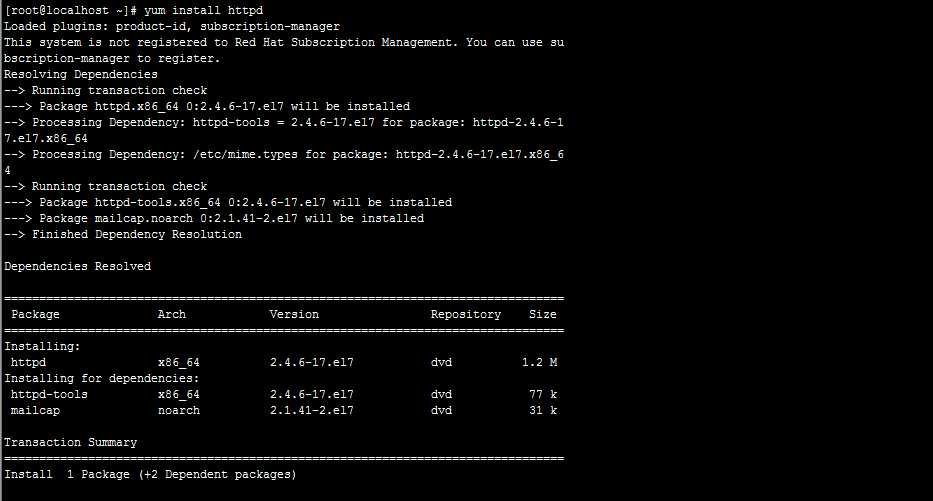 启动httpd 服务 并查看httpd服务是否开启
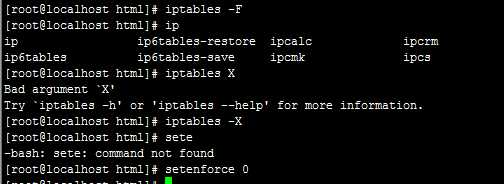
6.关闭防火墙

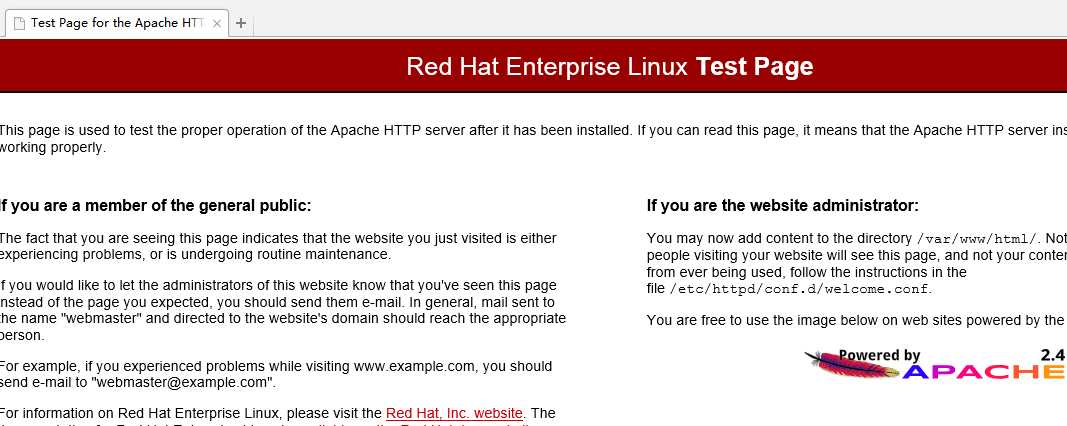
7.打开浏览器, 输入地址
------------------以上为安装httpd简单配置的过程------------------------------------------------
案例一 修改主页
1. mv /etc /httpd/conf.d/wlcom.conf /(移动到文件根目录下) 并切换到/var/www/html(cd /var/www/html)

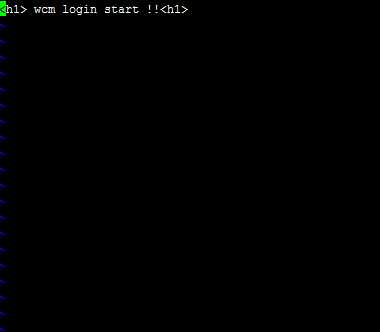
2.编辑一个 index。html文件(注:文件后缀名要以html结尾)
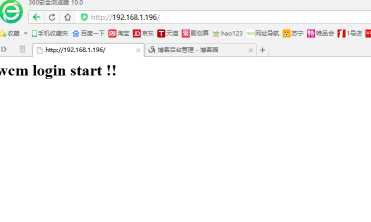
vi index.html(编辑内容为 <h1>wcm login start)
(shift+;wq保存退出)
3. 修改保存成功后 重启服务器,生效配置文件
systemctl restart httpd
4.打开浏览器 输入地址
原文:https://www.cnblogs.com/liangopop123/p/9628721.html