

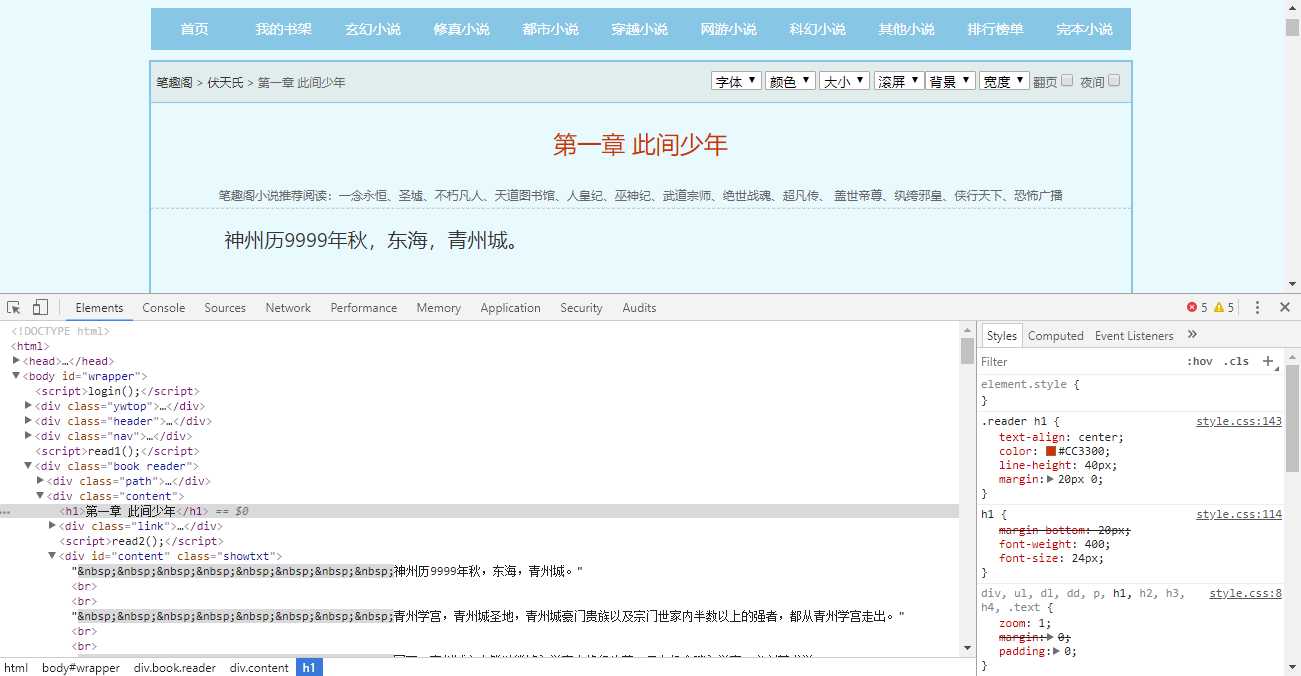
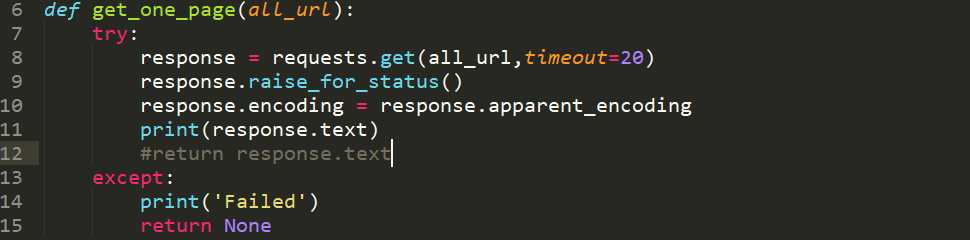
同样使用上一篇所讲的通用代码框架来获取网页HTML文本,这里我将return response.text给注释掉了,改用print,我们可以先看一下输出结果。

不管标签样式之类,只看文本的话,确实和网页中一样,这证明我们能成功访问了网页并获取到了网页的HTML文本。


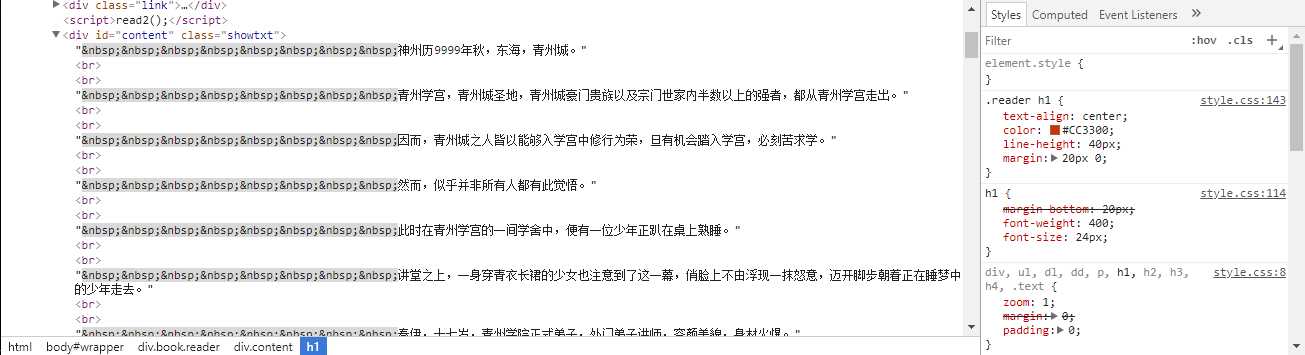
章节内容都在class为showtxt的块中,我们将其提取出来会发现每一行的开始会有8个 (如下图所示),这个是HTML中的占位符,普通的空格在HTML中只能算一个,而这个占位符则是写几个算几个空格。但是在这里我们并不需要显示空格,所以我们可以replace给替换掉,转为空行显示。
提取章节内容的同时,我们可以同时写入文件。

这里文件操作时,我用的‘a’追加模式,因为不是同时写入,而是通过对章节循环,循环获取章节信息的同时写入文件。在循环的同时,引入了time.sleep()方法,休息1秒,使得访问频率有所下降,避免对服务器造成负担。
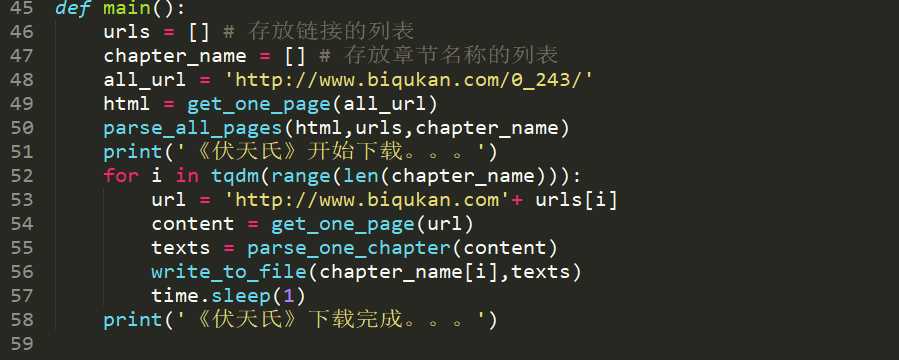
这里的tqdm是Python的一个进度条模块,可以用来显示下载进度。但可惜,不知道为什么,在windows下使用这个模块,进度条并不能正常显示,如图所示,会出现换行输出的格式,修改固定宽度也没用,如果有大佬知道原因和修改方式,还望不吝赐教,感激不尽。
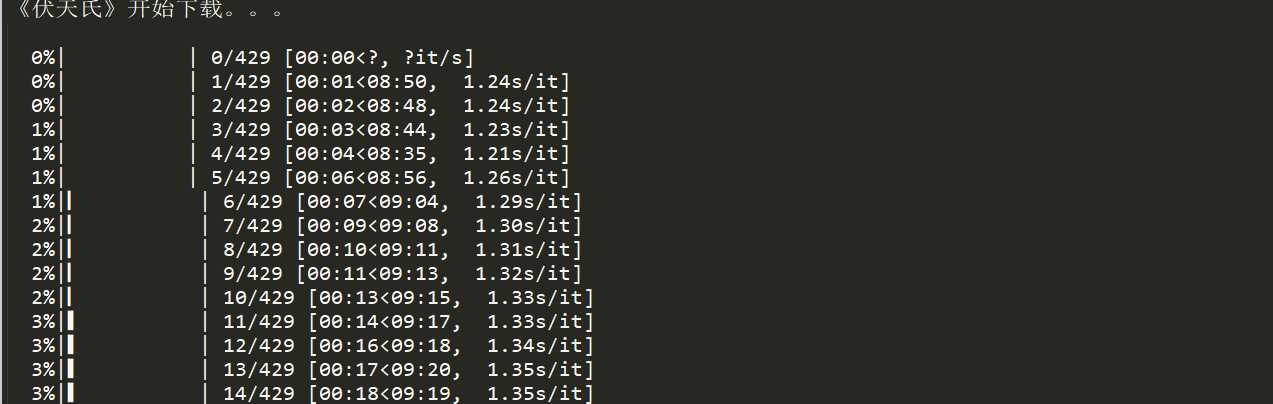
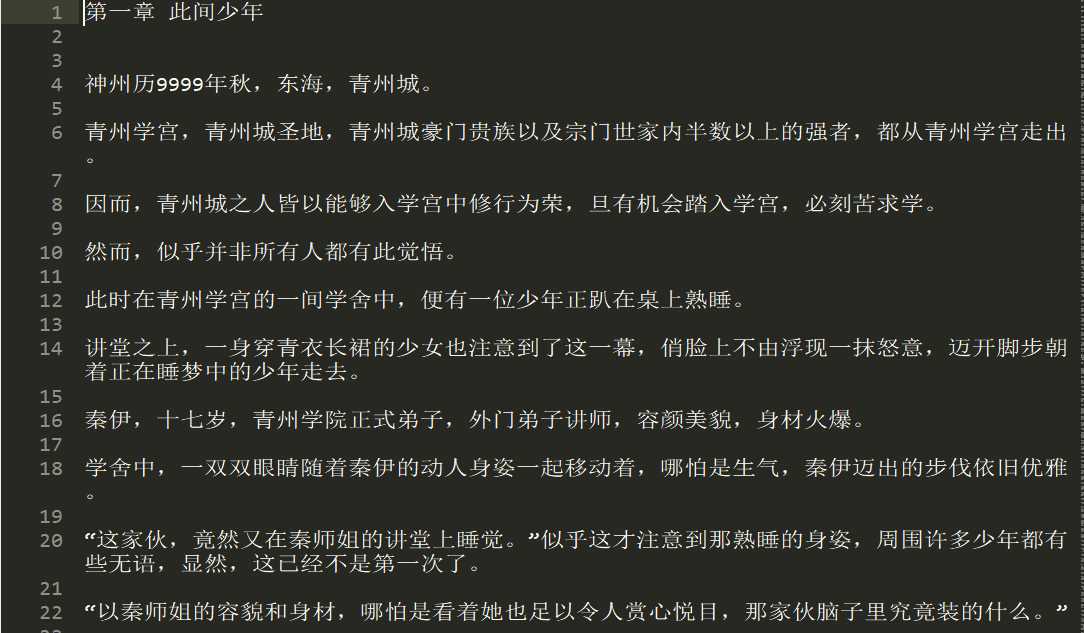
这个进度条不怎么让人满意,当然,进度条也可以用sys模块自己构建。这里就不做说明了,尽管这个tqdm没有很好的显示,但是小说内容还是完整的爬取下来了。
import requests
from bs4 import BeautifulSoup
from tqdm import tqdm
import time


def get_one_page(all_url):
    ‘‘‘获取单个页面的HTML文本‘‘‘
    try:
        response = requests.get(all_url,timeout=20)
        response.raise_for_status()
        response.encoding = response.apparent_encoding
        #print(response.text)
        return response.text
    except:
        print(‘Failed‘)
        return None


def parse_all_pages(html,urls,chapter_name):
    ‘‘‘解析章节信息并存入列表‘‘‘
    soup = BeautifulSoup(html,‘html.parser‘)
    chapters = soup.find(‘div‘,class_=‘listmain‘)
    for dd in chapters.find_all(‘a‘)[12:]:
        urls.append(dd.get(‘href‘))
        chapter_name.append(dd.text)


def parse_one_chapter(content):
    ‘‘‘解析并返回章节内容‘‘‘
    soup = BeautifulSoup(content,‘html.parser‘)
    #title = soup.find(‘div‘,class_=‘content‘).find(‘h1‘).text
    texts = soup.find_all(‘div‘,class_=‘showtxt‘)[0].text.replace(‘\xa0‘*8,‘\n\n‘)
    return texts


def write_to_file(chapter_name,texts):
    ‘‘‘将章节内容写入txt文件‘‘‘
    with open (‘《伏天氏》.txt‘,‘a‘,encoding=‘utf-8‘) as f:
        f.write(chapter_name + ‘\n‘)
        f.write(texts)
        f.write(‘\n\n‘)


def main():
    urls = [] # 存放链接的列表
    chapter_name = [] # 存放章节名称的列表
    all_url = ‘http://www.biqukan.com/0_243/‘
    html = get_one_page(all_url)
    parse_all_pages(html,urls,chapter_name)
    print(‘《伏天氏》开始下载。。。‘)
    for i in tqdm(range(len(chapter_name))):
        url = ‘http://www.biqukan.com‘+ urls[i]
        content = get_one_page(url)
        texts = parse_one_chapter(content)
        write_to_file(chapter_name[i],texts)
        time.sleep(1)
    print(‘《伏天氏》下载完成。。。‘)


if __name__ == ‘__main__‘:
    main()
原文:https://www.cnblogs.com/hdmi-blog/p/9251798.html