
一,效果图。
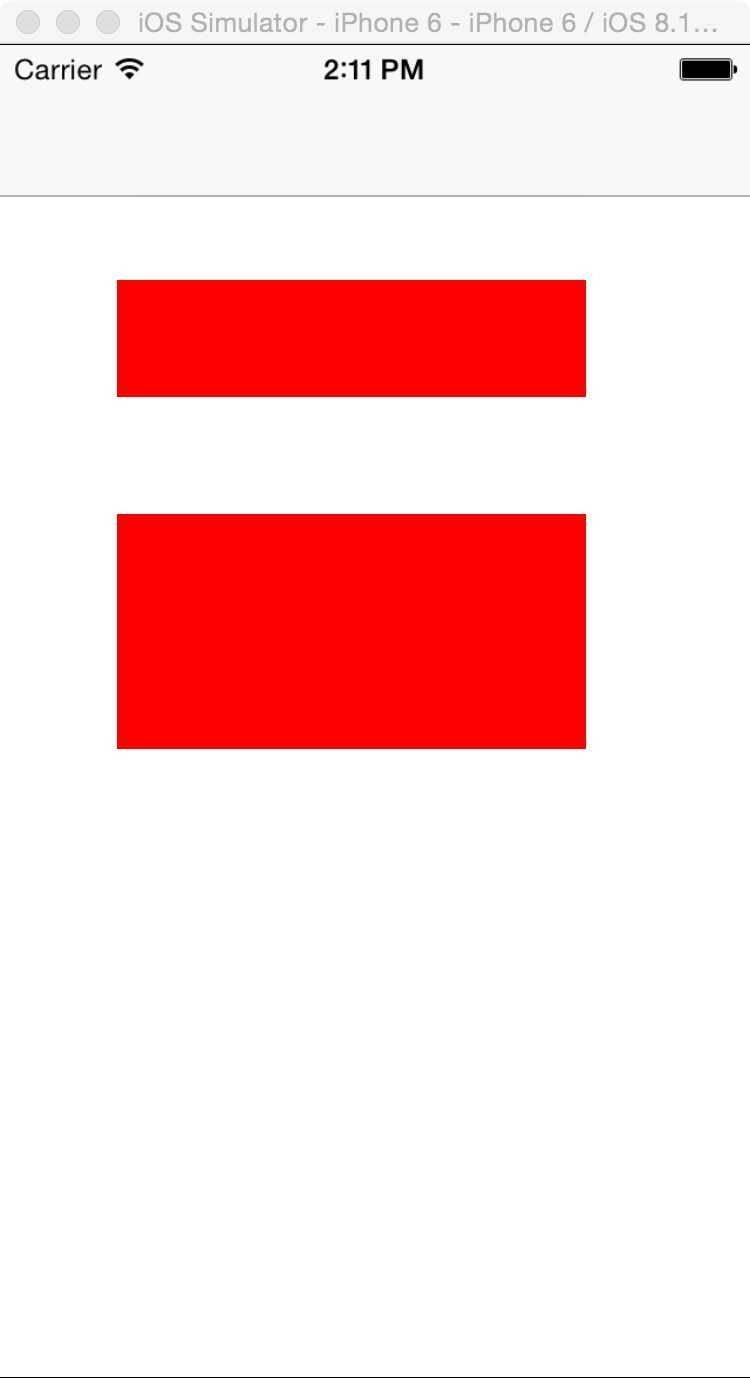
二,工程图。
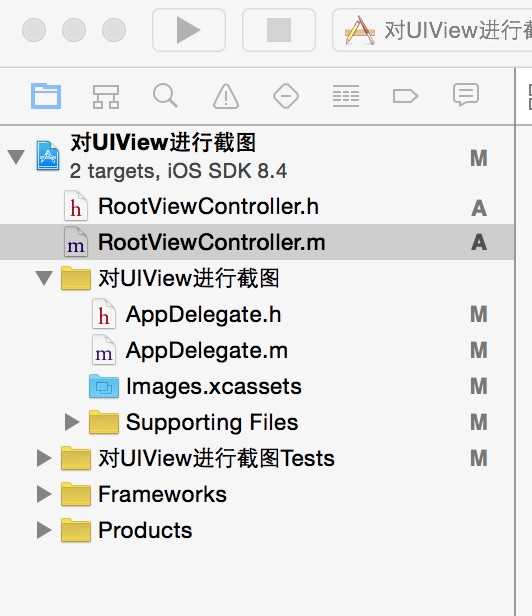
三,代码。
RootViewController.m

#import "RootViewController.h"


@interface RootViewController ()

@end

@implementation RootViewController

- (id)initWithNibName:(NSString *)nibNameOrNil bundle:(NSBundle *)nibBundleOrNil
{
    self = [super initWithNibName:nibNameOrNil bundle:nibBundleOrNil];
    if (self) {
        // Custom initialization
    }
    return self;
}

- (void)viewDidLoad
{
    [super viewDidLoad];
    // Do any additional setup after loading the view.

    //UIView
    UIView *view=[[UIView alloc]initWithFrame:CGRectMake(50, 100, 200, 50)];
    view.backgroundColor=[UIColor redColor];
    [self.view addSubview:view];

    //在UIImageView中显示截取的图片
    UIImageView *imageView=[[UIImageView alloc]initWithFrame:CGRectMake(50, 200, 200, 100)];
    imageView.image=[self screenShotView:view];
    [self.view addSubview:imageView];
}
#pragma -mark -functions
// 对指定视图进行截图
- (UIImage *)screenShotView:(UIView *)view
{
    UIImage *imageRet = nil;

    if (view)
    {
        if(UIGraphicsBeginImageContextWithOptions)
        {
            UIGraphicsBeginImageContextWithOptions(view.frame.size, NO, 0.0);
        }
        else
        {
            UIGraphicsBeginImageContext(view.frame.size);
        }

        //获取图像
        [view.layer renderInContext:UIGraphicsGetCurrentContext()];
        imageRet = UIGraphicsGetImageFromCurrentImageContext();
        UIGraphicsEndImageContext();
    }else{
    }

    return imageRet;
}

- (void)didReceiveMemoryWarning
{
    [super didReceiveMemoryWarning];
    // Dispose of any resources that can be recreated.
}
原文:http://www.cnblogs.com/yang-guang-girl/p/5174427.html