
页面:

<div>
    <input style="width:90%;margin-left:5px;margin-right:5px;" class="form-control sys_input" ng-model="imagePaths.filter.imageName" placeholder="查询..."/>
</div>
<div>
    <!--<ul ng-repeat="item in imagePaths.imageinfo | filter:imagePaths.filter">
        <li><img width="40px" height="40px" ng-src="http://127.0.0.1:8099/{{item.imageName}}">{{item.imageLength/1024 | number:0}}KB<a href="http://127.0.0.1:8099/{{item.imageName}}" target="_blank">{{item.imageName}}</a>
        <button type="button" ng-click="imageDownload(item)">下载</button></li>
    </ul>-->
     <table class="table table-hover table-bordered" style="width:90%;margin-left:5px;margin-right:5px;">
        <tbody>
            <tr ng-repeat="item in imagePaths.imageinfo | filter:imagePaths.filter" style="height:30px;">
                <td><img ng-src="http://127.0.0.1:8099/{{item.imageName}}"></td>
                <td>{{item.imageLength/1024 | number:0}}KB</td>
                <td>{{item.imageName}}</td>
                <td><button type="button" class="btn btn-warning btn-sm" ng-click="imageDownload(item.imageName)">下载</button></td>
            </tr>
        </tbody>
    </table>
</div>
这里主要说的是查询的数据结构:$scope.imagePaths=
{"imageinfo":
[{imageLength: "19505",imageName: "company_logo.png"},
{imageLength: "116010",imageName: "crashed_icon.png"},
{imageLength: "116411",imageName: "logo.png"}
]};
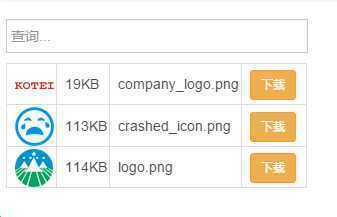
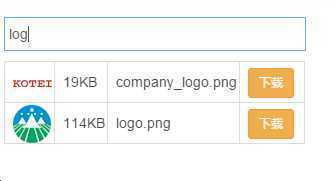
效果如图:
原文:http://www.cnblogs.com/bobo-show/p/5126775.html
