
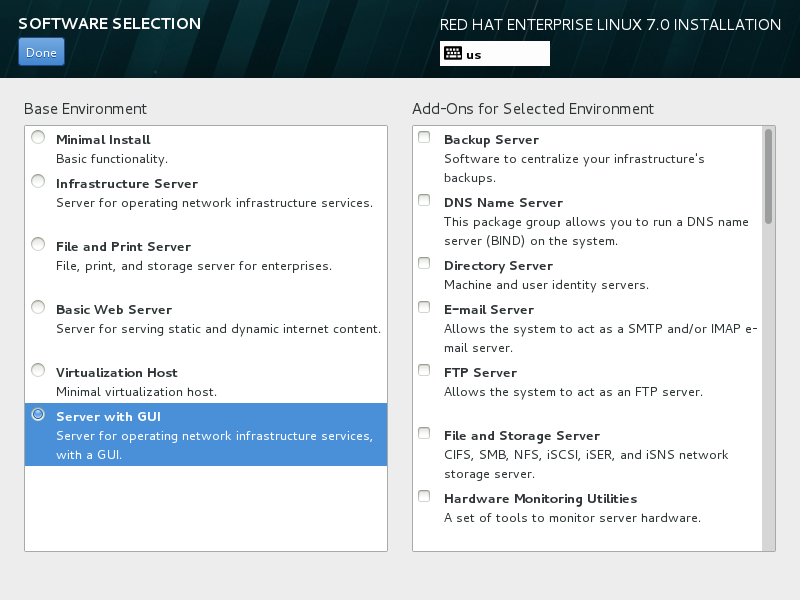
RHEL7 默认是最小化安装(Minimal Install),没有图形界面,
我们应该选择Server with GUI。若已错过此步骤,我们采用以下方式补充安装GUI界面。
# yum group list
Available Environment Groups:
   Minimal Install
   Compute Node
   Infrastructure Server
   File and Print Server
   Basic Web Server
   Virtualization Host
   Server with GUI
   GNOME Desktop
   KDE Plasma Workspaces
   Development and Creative Workstation
Available Groups:
   Compatibility Libraries
   Console Internet Tools
   Development Tools
   Graphical Administration Tools
   Legacy UNIX Compatibility
   Scientific Support
   Security Tools
   Smart Card Support
   System Administration Tools
   System Management
# yum -y groupinstall "Server with GUI"
原文:http://www.cnblogs.com/edward2013/p/5082653.html