
需求
我们可以通过设置Barcode Professional里面BackColor属性进行透明处理。即是System.Drawing.Color.Transparent.
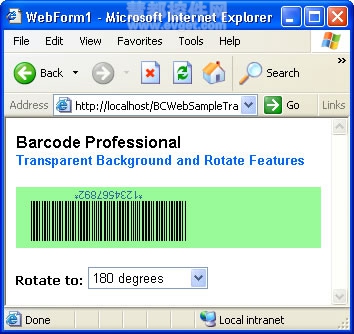
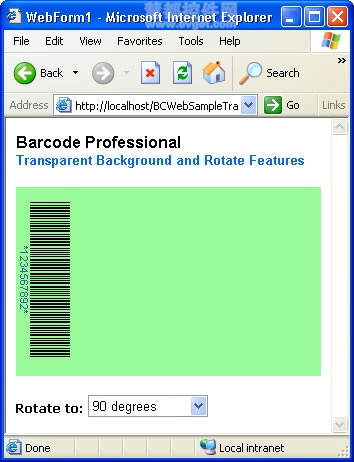
通过设置 Rotate 属性进行条码图像的旋转处理,可将其设置一定的值,即可旋转一定的角度。
下面将通过简单的示例,来展示这两项功能。
步骤:
VB
Select Case DropDownList1.SelectedValue
Case "0"
BarcodeProfessional1.Rotate = Rotate.None
Case "90"
BarcodeProfessional1.Rotate = Rotate.Degree90
Case "180"
BarcodeProfessional1.Rotate = Rotate.Degree180
Case "270"
BarcodeProfessional1.Rotate = Rotate.Degree270
End Select
C#
switch(DropDownList1.SelectedValue)
{
case "0":
BarcodeProfessional1.Rotate = Rotate.None;
break;
case "90":
BarcodeProfessional1.Rotate = Rotate.Degree90;
break;
case "180":
BarcodeProfessional1.Rotate = Rotate.Degree180;
break;
case "270":
BarcodeProfessional1.Rotate = Rotate.Degree270;
break;
}
完成!创建ASP.NET Web应用程序运行。
本文译自Barcode
详情evget.com/product/818
Barcode Professional for ASP.NET使用教程:透明旋转条码图像的创建
原文:http://www.cnblogs.com/jp294936239/p/5001174.html